Connect to Seamless Docs
Connect to FTP
Configure Form to FTP
Connect to FTP
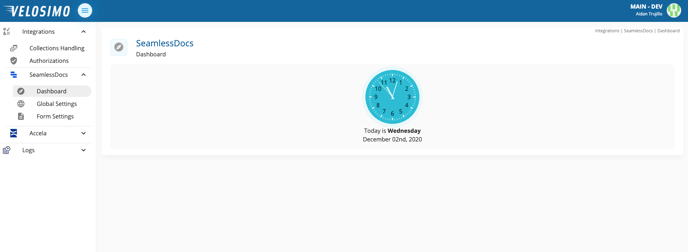
- Login to the Velosimo Connect Admin
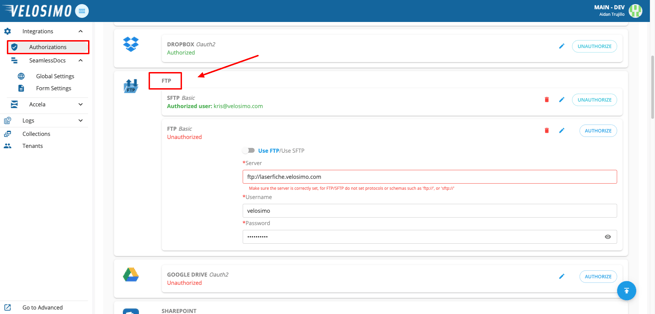
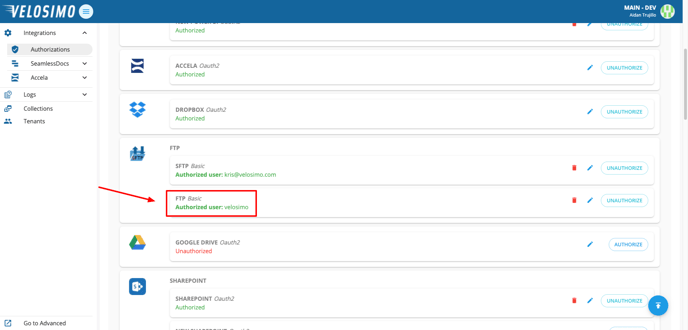
- Navigate to the “Authorizations” tab. Find FTP in the list.
- Enter in a server, username, and password. Then click “Authorize”.
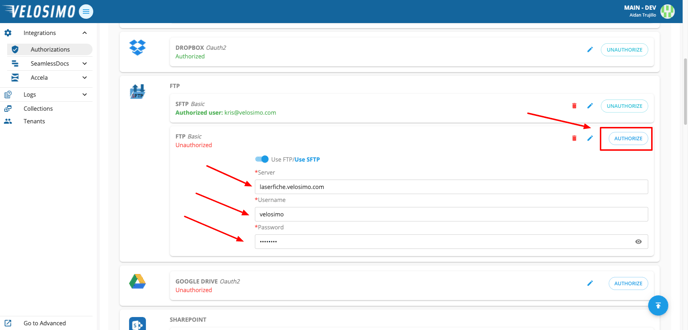
- If the credentials are validated, you will be redirected back to the Authorizations page and FTP will be authorized.
Configure Form to FTP
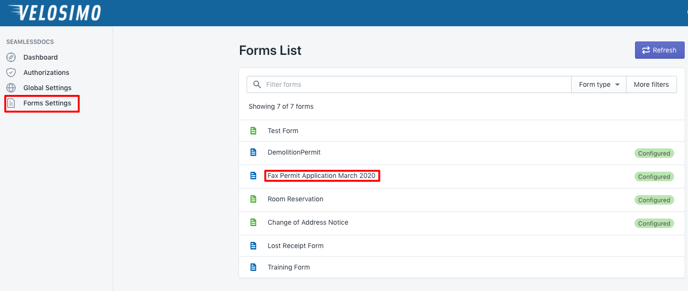
- Navigate to “Form Settings” and select a form.
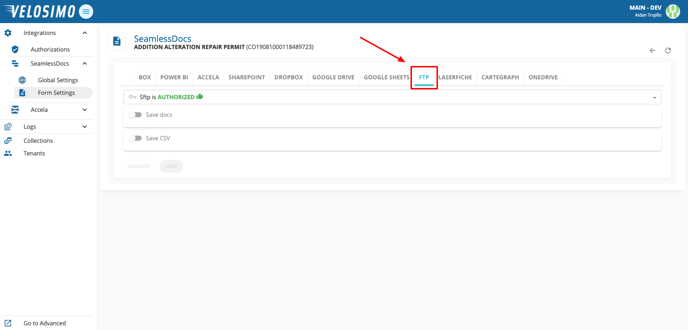
- Select the FTP tab.
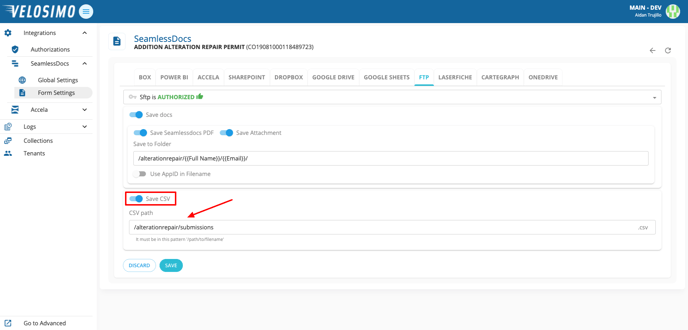
- Select “Save docs”. Enter the folder name, then create the file name with SeamlessDoc fields.
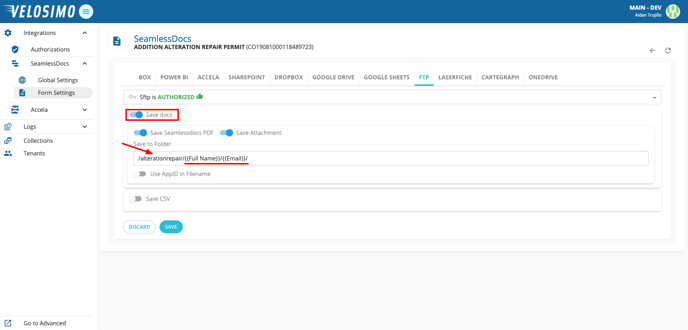
- Optionally, to save an entry to a CSV file select “Save CSV”. Enter the file path in this pattern: ‘/path/to/filename’. Once completed click “Save”.