Connect to Seamless Docs
Connect to Accela
Configure Form to Accela
Connect to Accela
Authorizations
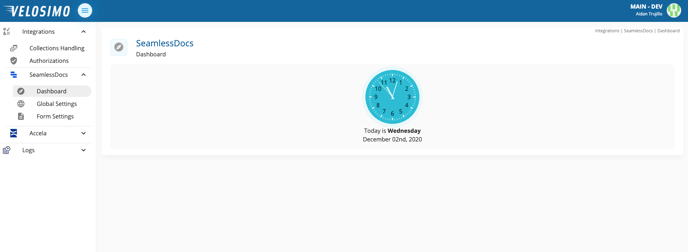
- Login to the Velosimo Connect Admin. The Dashboard will display by default.
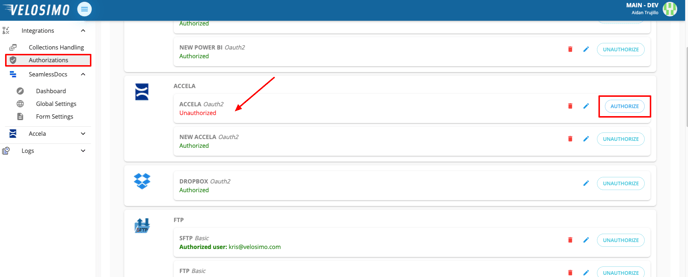
- Navigate to the “Authorizations” tab and find Accela in the list. Click Authorize.
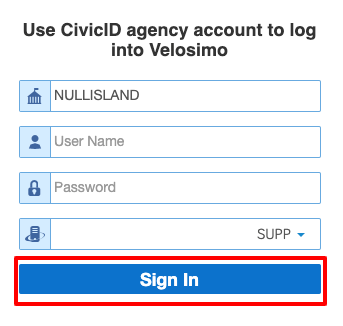
- You will be redirected to a login screen. Enter the agency and your CivicID Agency account username and password. Click "Sign In".
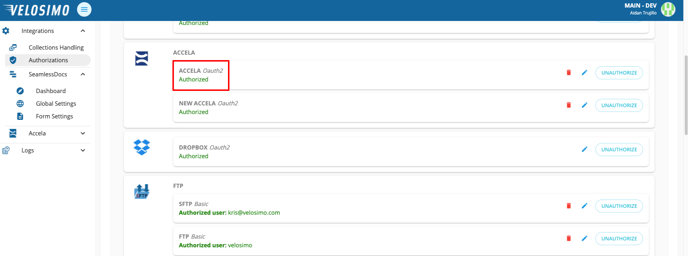
- When credentials are validated, you will be redirected to the Authorizations page and Accela will be Authorized.