- Redirect your browser to https://<your sharepoint>/_layouts/15/appinv.aspx
- Paste the Client ID you generated in step 4 of the previous section into the App ID and click “Lookup”
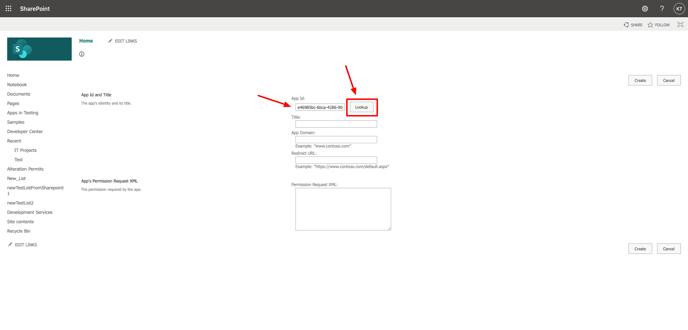
- Copy & paste the following into the the Permission Request XML field
<AppPermissionRequests AllowAppOnlyPolicy="true">
<AppPermissionRequest Scope="http://sharepoint/content/sitecollection" Right="FullControl" />
</AppPermissionRequests> - Click the Create button.
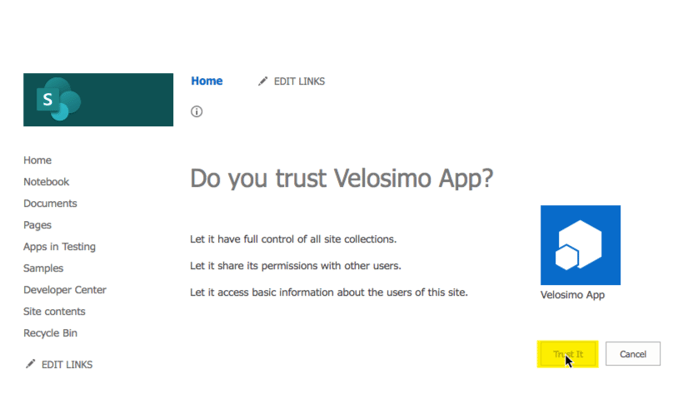
- Next, the permission consent dialog displays. Click the Trust It button to grant the permissions.