Connect to Seamless Docs
Connect to Laserfiche
Configure Form to Laserfiche
Connect to Laserfiche
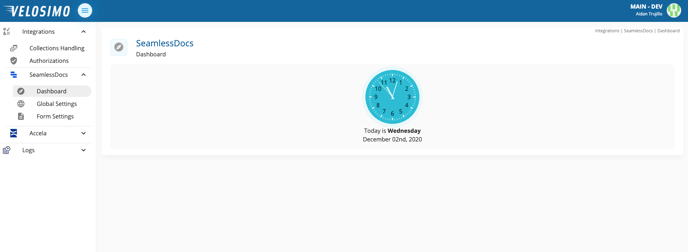
- Login to the Velosimo Connect Admin.
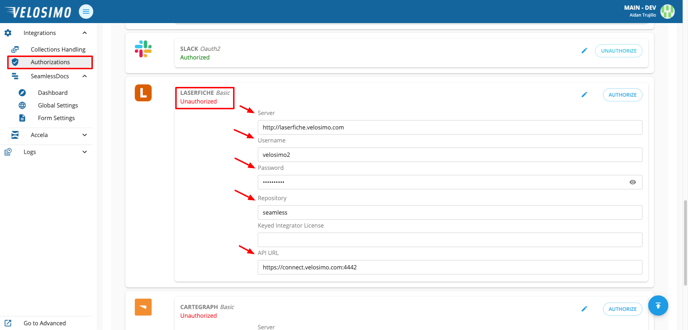
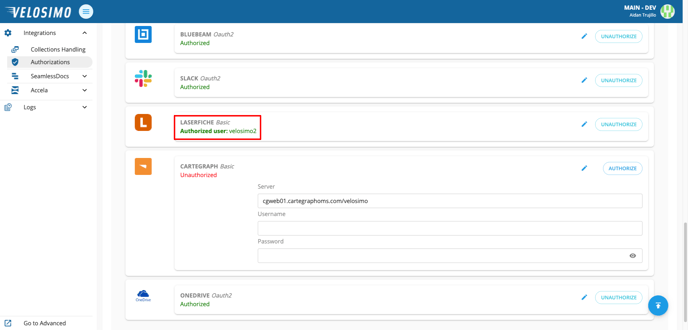
- Navigate to the 'Authorizations' tab, find Laserfiche in the list. Enter the server location, username, password, site repository, and the API URL.
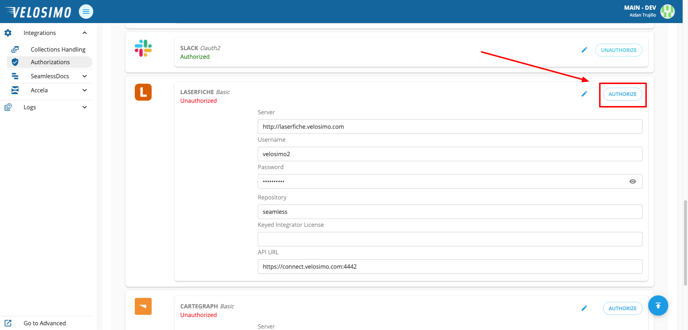
- Click Authorize. If the credentials are valid Laserfiche will be authorized.
Configure Form to Laserfiche
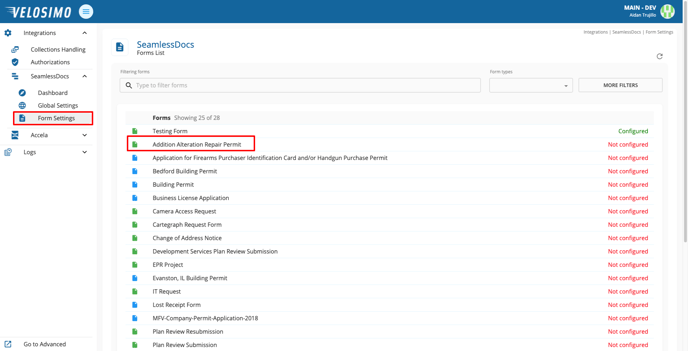
- Navigate to 'Form Settings' and select a form.
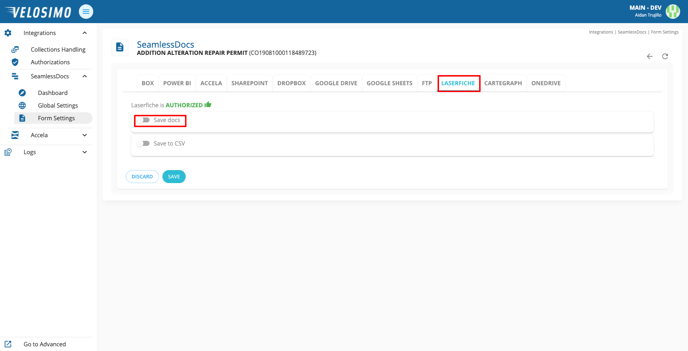
- Select the 'Laserfiche' tab and select 'Save docs'.
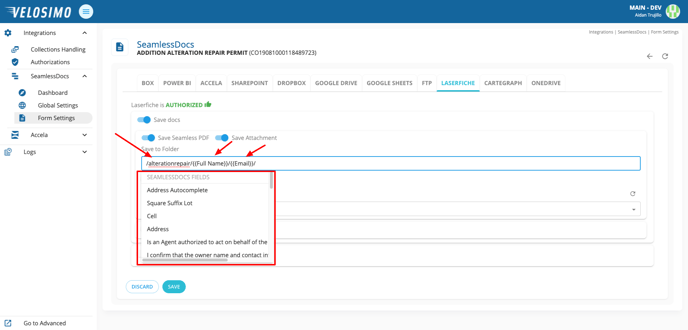
- Enter the folder name, then create the file name with SeamlessDoc fields.
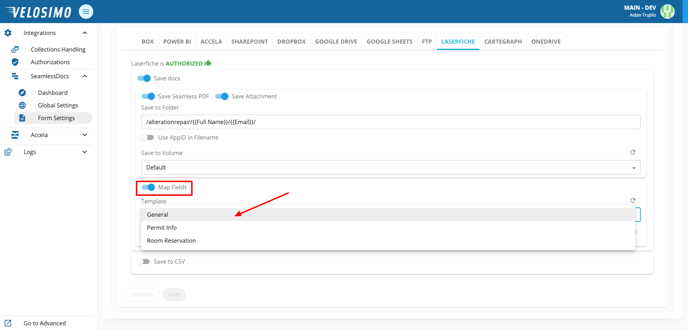
- Click 'Map Fields'. Select a template from the list.
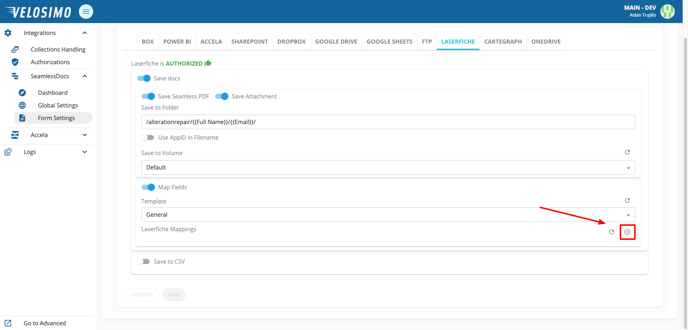
- Click the icon on the right to add Laserfiche mappings.
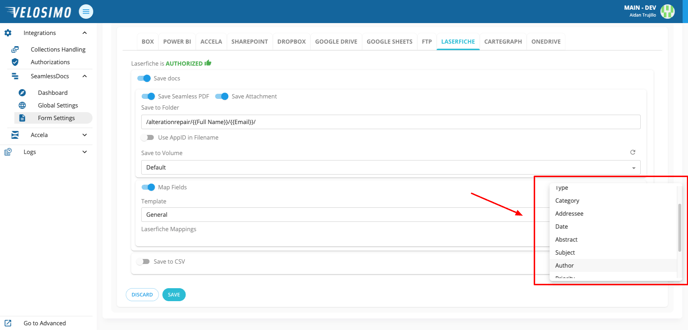
- Select desired fields from the list.
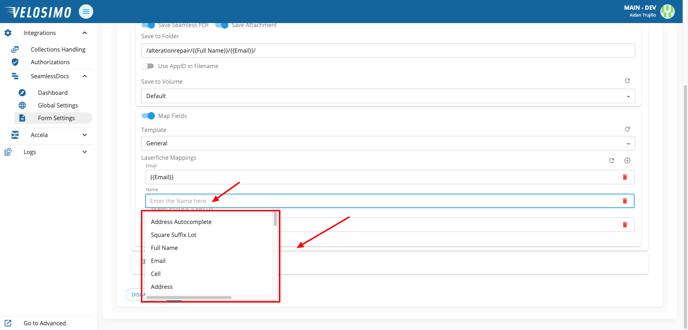
- Once you have mapped your Laserfiche mappings, complete the form with a SeamlessDoc field.
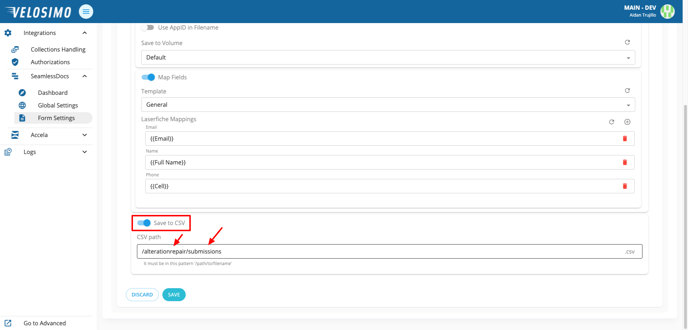
- Optionally, to save to this submission to a CSV select 'Save to CSV'. Enter the file path in this pattern ‘/path/to/filename/’.