Locate API Key Secret
Connect Seamless Docs to Velosimo Connect
Locate API Key Secret
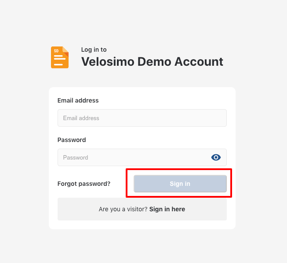
- Login to SeamlessDocs.
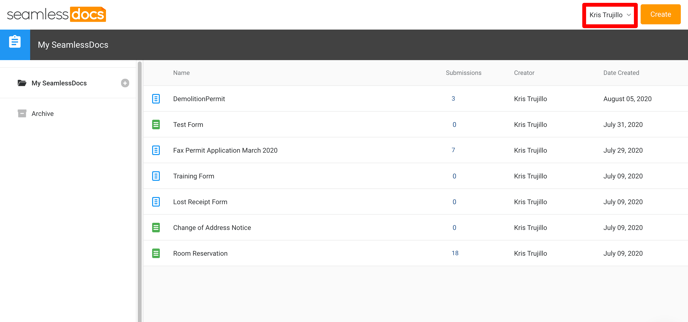
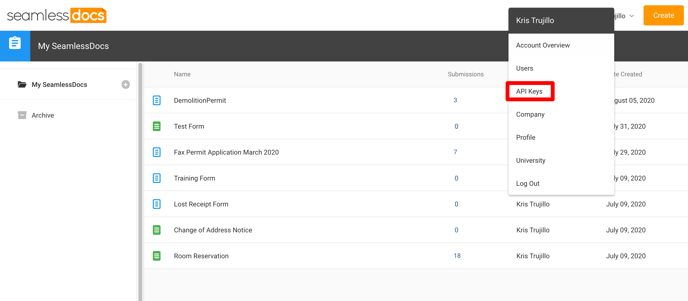
- Click on username in the top right to open dropdown, select API Keys.
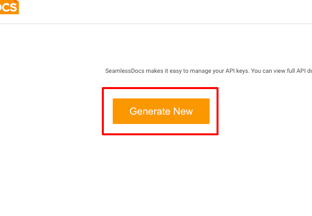
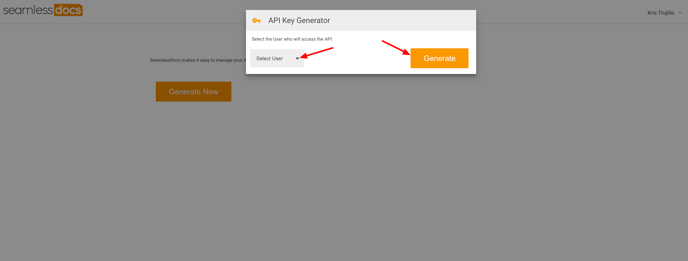
- Click the "Generate New” button. The API Key Generator screen displays, select a user from the Select User drop-down list and click the Generate button.
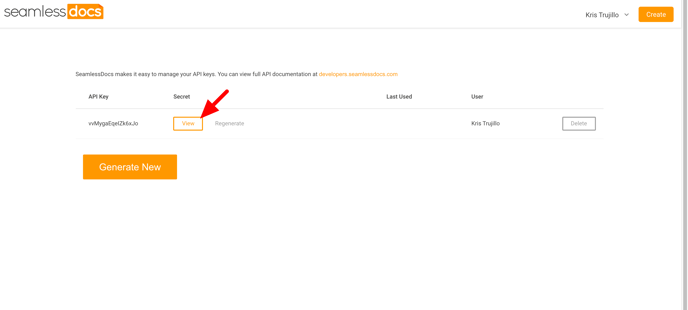
- Next, click view to reveal the API Key secret. You will need this to connect with Velosimo Connect. Click HERE for next steps.
- Login to the Velosimo Connect Admin.
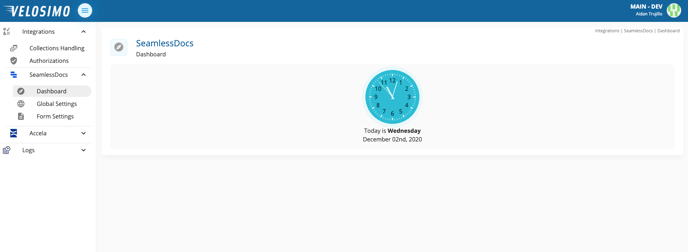
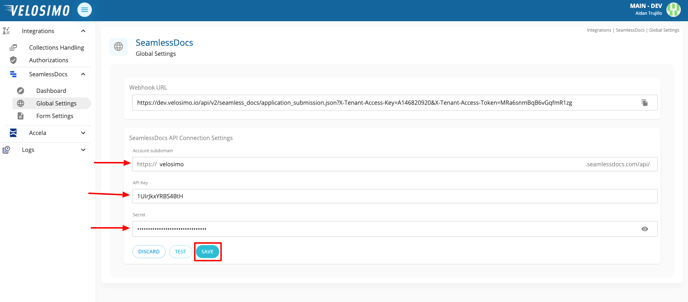
- Click "Global Settings" and enter your account subdomain. Next, enter the API Key secret (click here for how to find API Key secret) and fill in the form. Click save once completed.
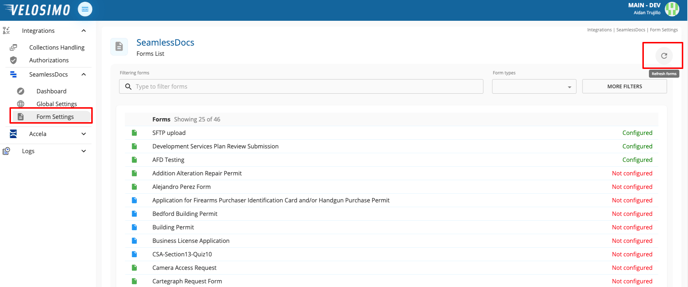
- Go to Form Settings and click the refresh icon.
Now you have connected SeamlessDocs to the Velosimo Connect Admin.