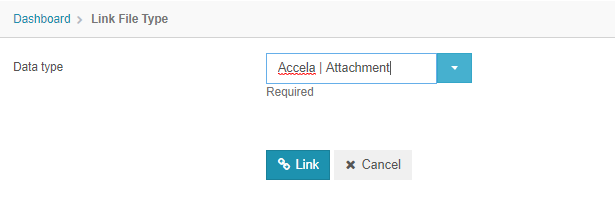
Files
Data
Data
Velosimo can process data objects that are representations of real-world commerce information such as orders, shipments, and products. All communication involves sending and/or requesting objects.
The Data menu is the first option of the menu and is separated by Definitions, Objects, and Files. Here is where you can manage the data to work in flows, translators, algorithms and other resources in Velosimo. This is also where you setup the configuration between products in Velosimo.
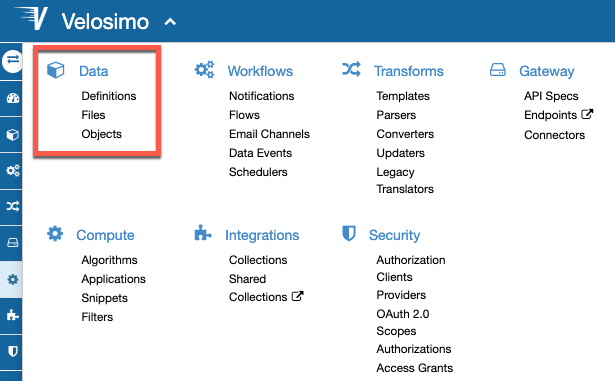
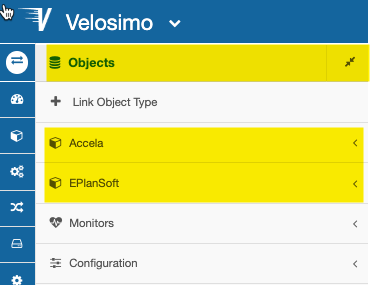
When you clicked on Data option, you can see the specific menu with the options. Most of the work you will be doing in is in the Data > Objects. Below is a screenshot of the Objects for an Accela and ePlanSoft interface.
Files
The files are a way of organizing your file types. Select the file type that you want to list, the link will be on the left menu under the Files Menu.
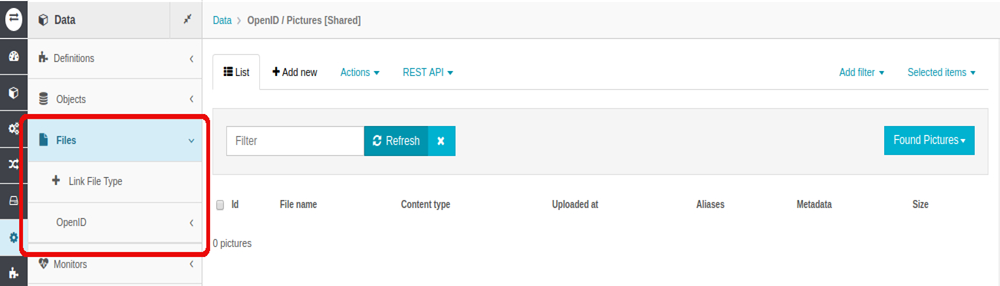
For each submenu on each file type, you can see the files linked. To link a new File, you must access “Link File Type” link.