
Notifications
Workflows
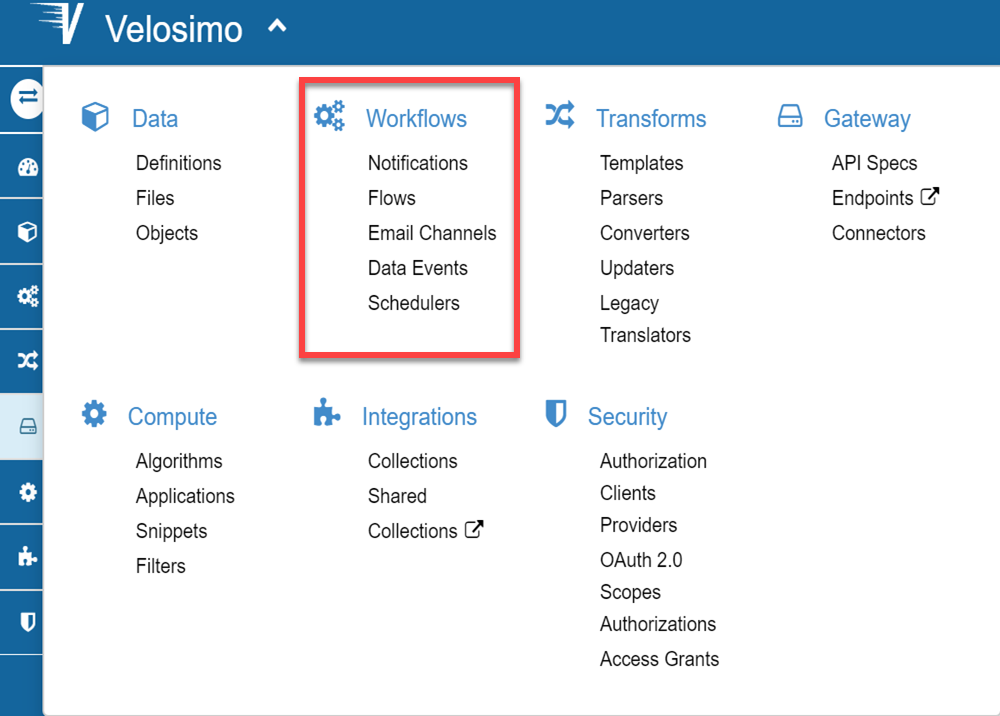
The workflows define a set of resources (translators, webhooks, algorithms and data) that control the process in a flow structure. Under the workflow menu you can define a flow and the related elements: Data Events, Notifications, etc.
Notifications
The notification function could be call by task or Tenant object.
task.notify(message: "Something")
Tenant.notify(message: "Something")
The task.notify way is used in the environment where the variable "task" is alive. These environments are in translators or in algortihms where the var "task" be a parameter.
The Tenant.notify way could be used in all Velosimo elements (translators and algorithms)
By default the notifications are error notifications:

Optionally, you can define the type of notification:
- Notice
Tenant.notify(message: "Something", type: "notice")

- Warning
Tenant.notify(message: "Something", type: "warning")

Adding an Attachment
If you want trigger a notification with a file, you can do this:
Tenant.notify({ message: "message", attachment: attachment })
Where attachment is the file:
attachment = {
    filename: 'backtrace.txt',
    contentType: 'plain/text',
    body: "this is the message"
  }